
Latest Version
LAT
Lifestyle
Windows
Free
9wzdncrcv5x3
Report a Problem
More About Quicknote.
A Smarter Way to Organize Your Thoughts
While many digital scrapbooks overwhelm users with cluttered interfaces and complex menus, the Quicknote note-taking app stands out by focusing on immediate, lightweight utility. Developed by LAT for the Windows platform, this lifestyle application is built for those who need to capture ideas, manage personal information, and secure sensitive data without any unnecessary friction. It bridges the gap between basic text editors and bloated productivity suites by offering an intuitive environment that adapts to your daily workflow.
Key Features of the Quicknote Note-Taking App
This utility packs several thoughtful features designed to streamline how you collect and protect your daily thoughts:
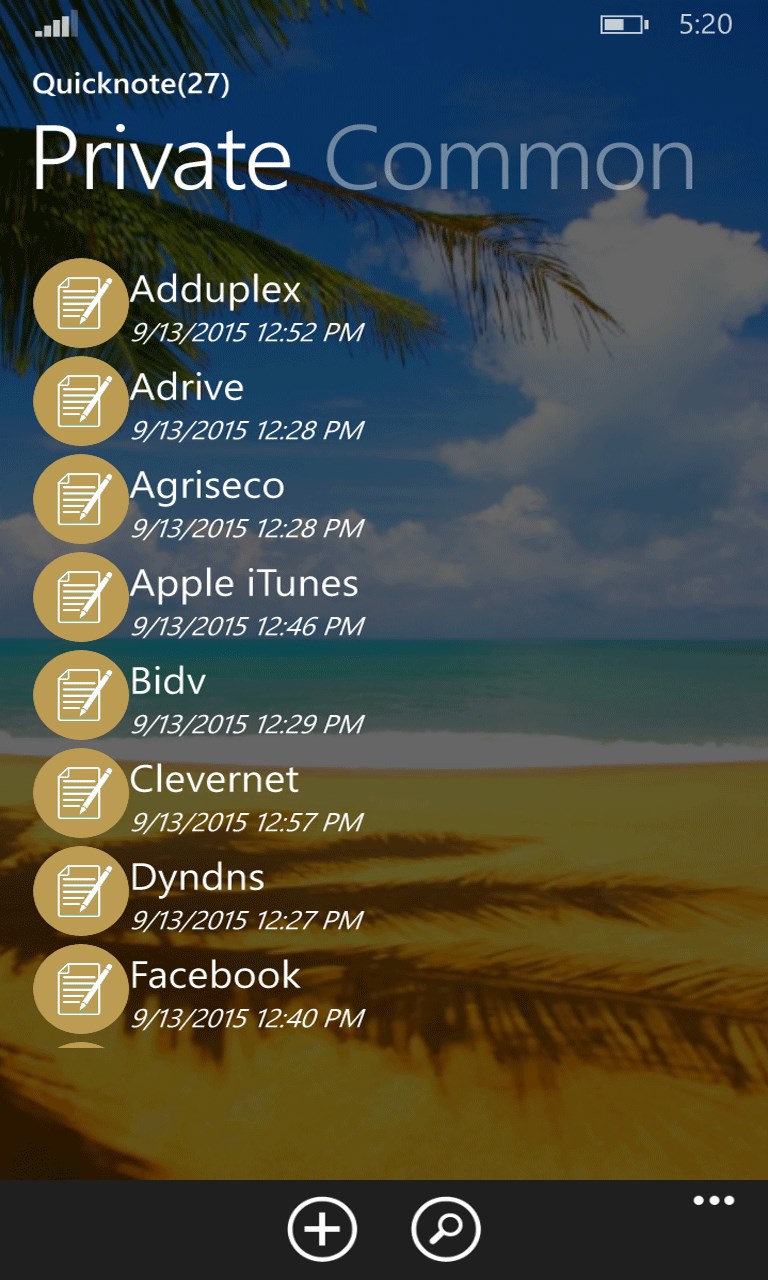
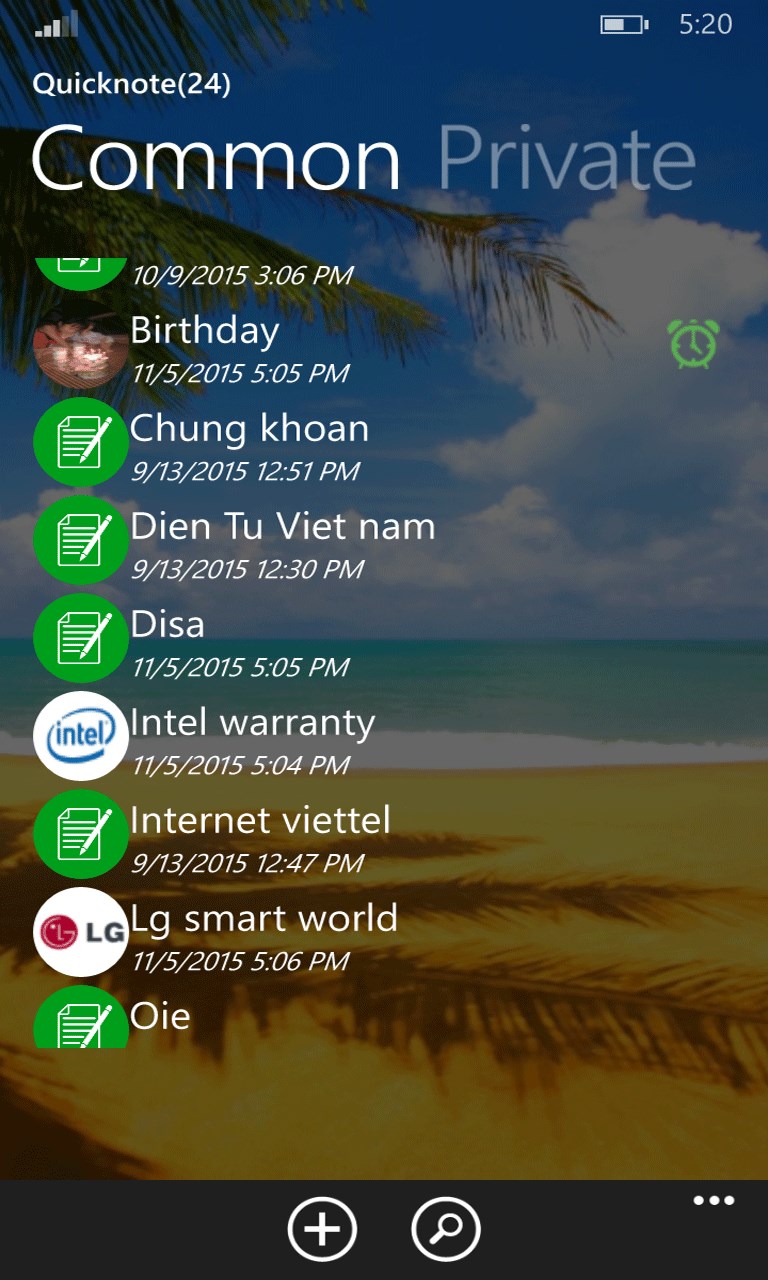
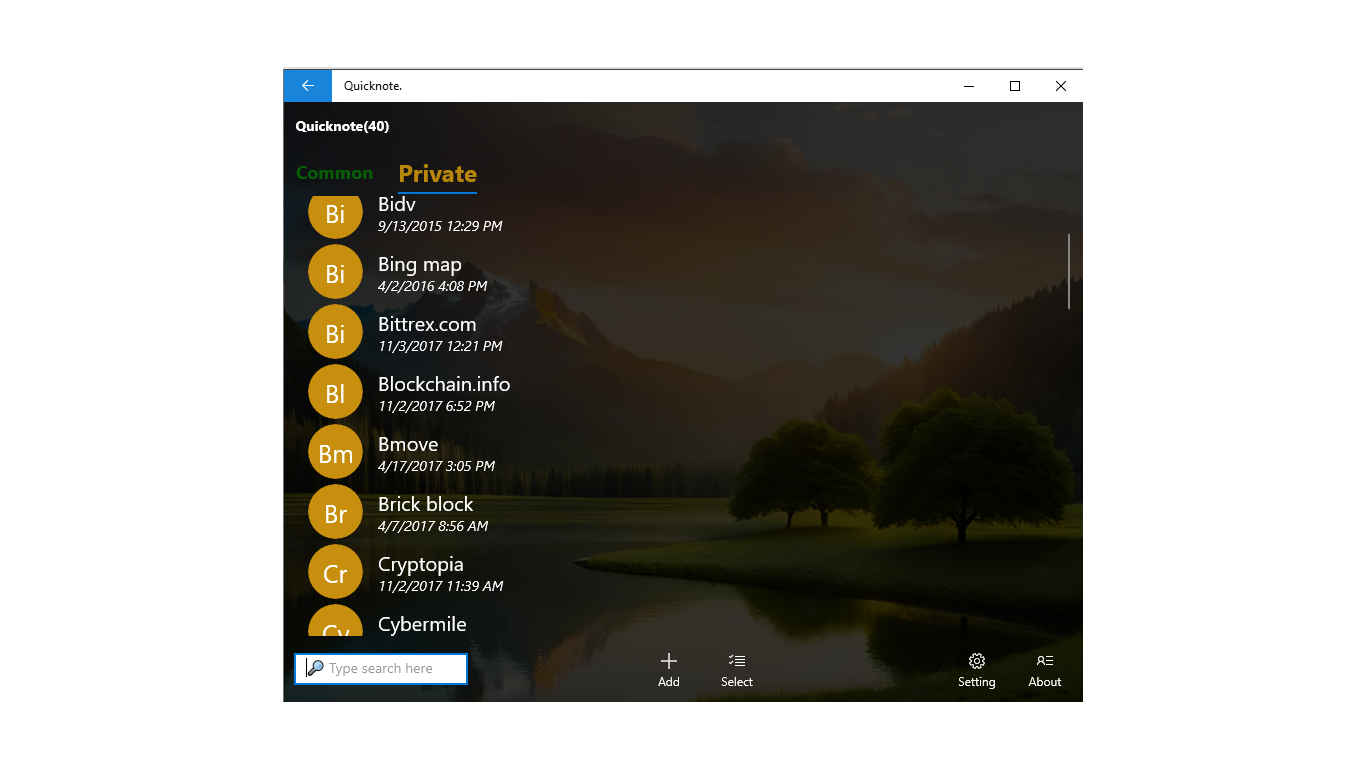
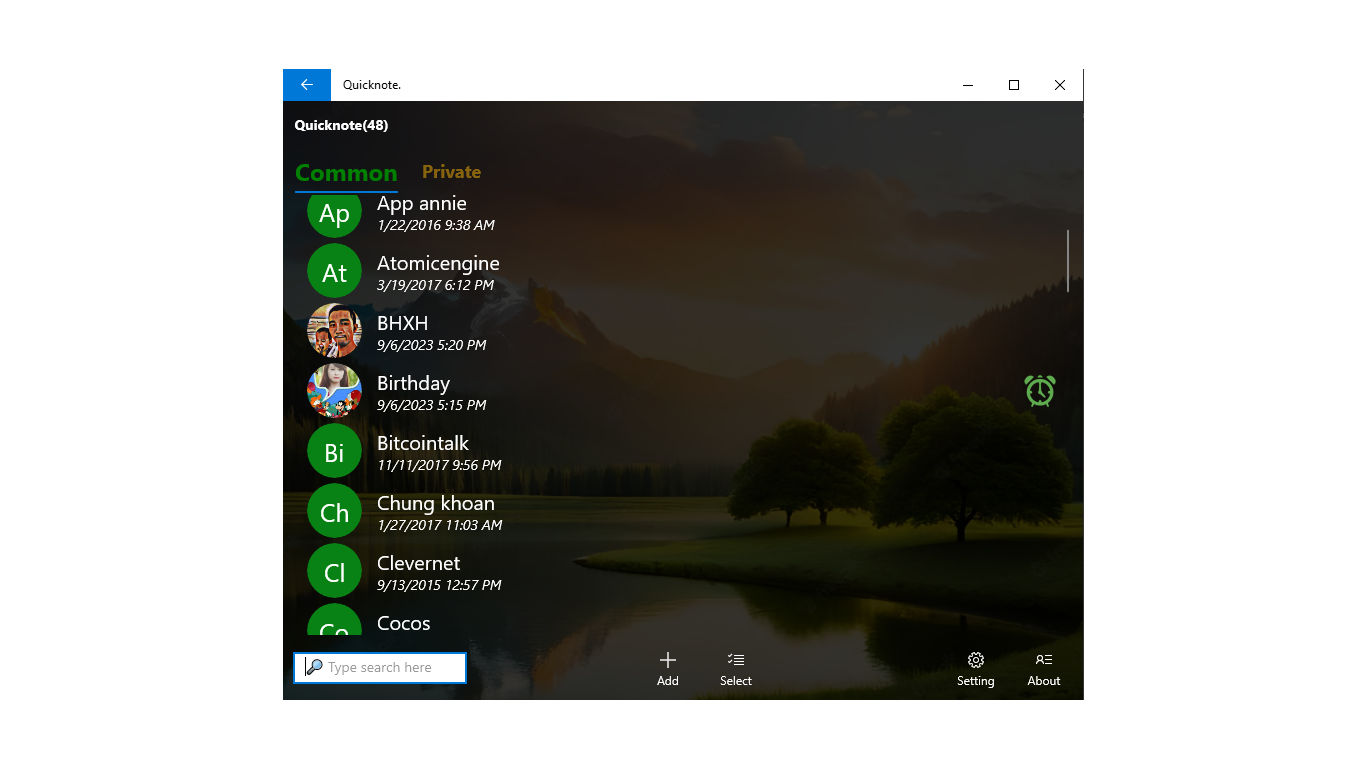
- Dual Storage Spaces: Organize your thoughts into Common notes for everyday tasks, or migrate them to Private notes when confidentiality is required.
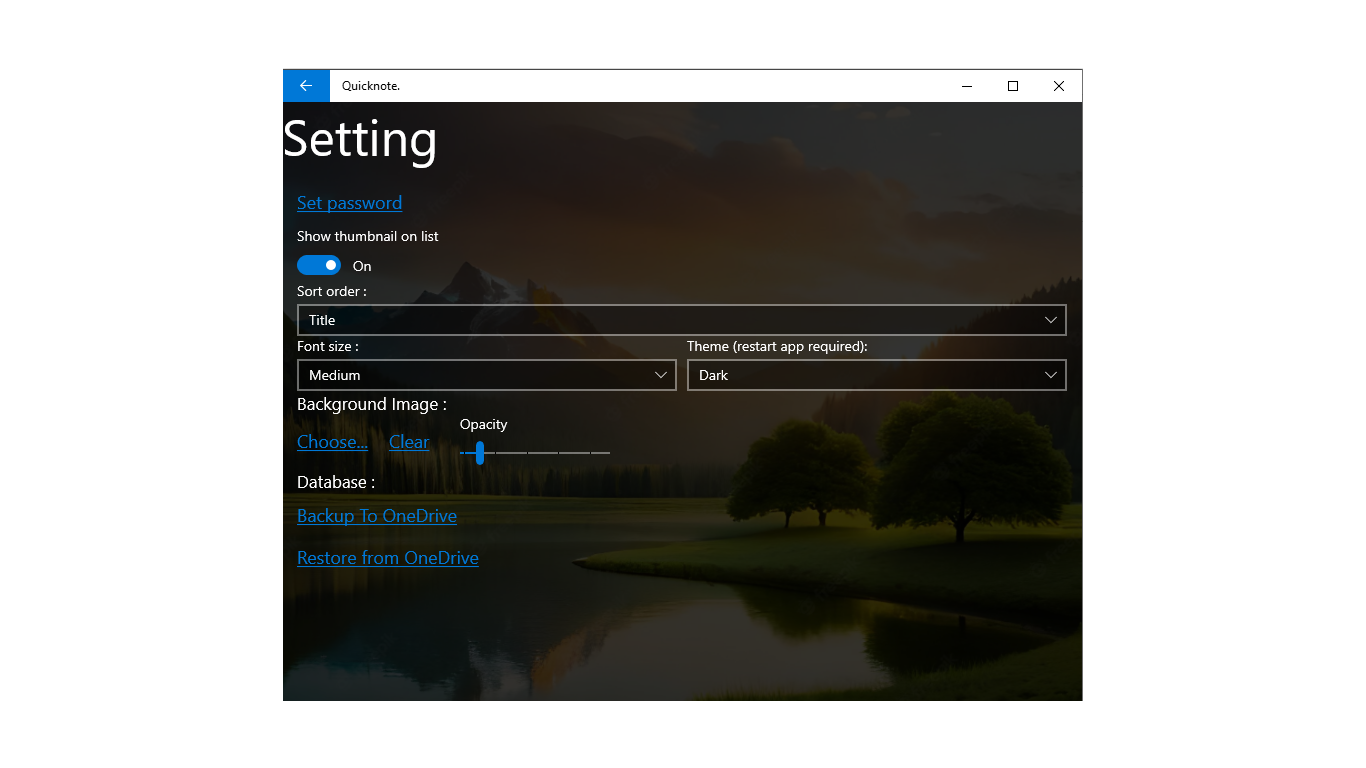
- Password Protection: Keep sensitive information secure. Your Private notes can be locked behind a password, preventing unauthorized access.
- Voice-to-Text Input: Dictate your thoughts on the go. The integrated note reader and speech-to-text functionality make hands-free note creation seamless.
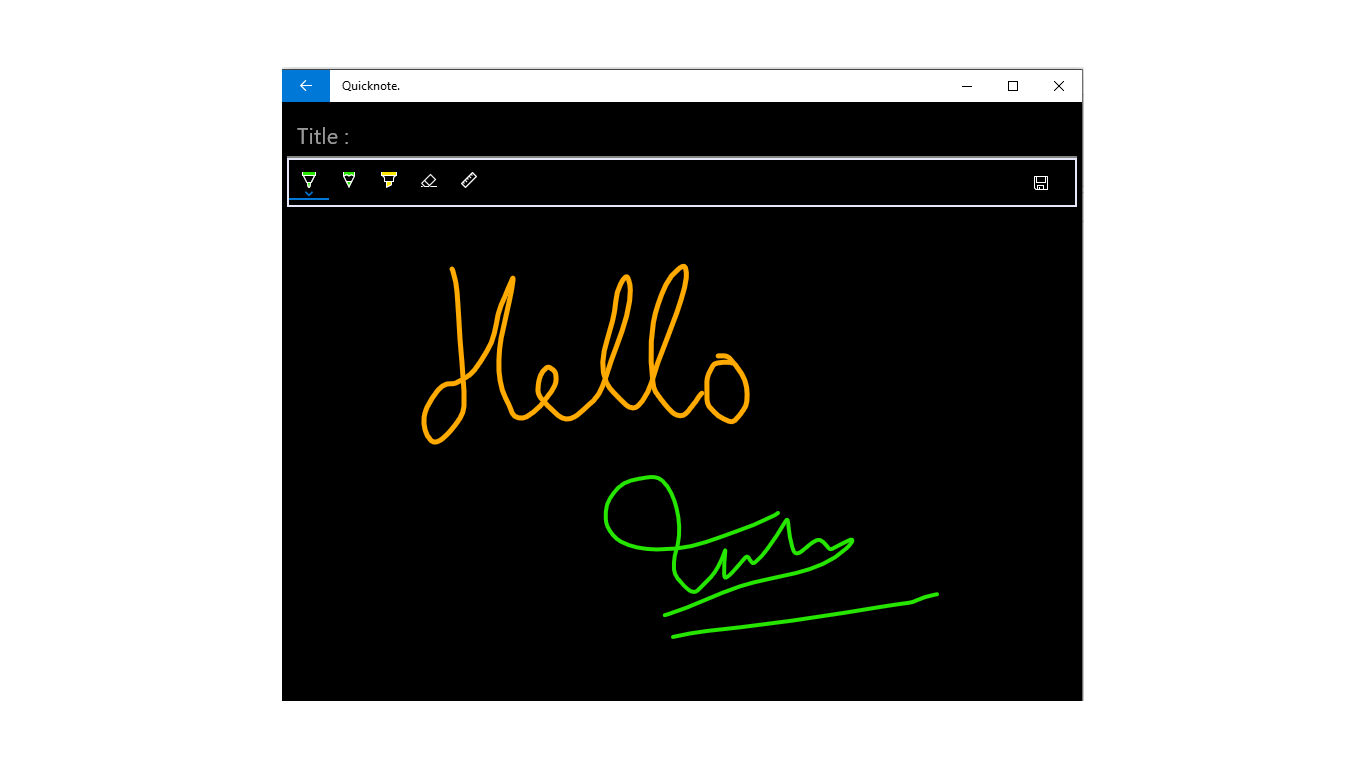
- Visual Customization: Tailor your workspace by changing font sizes, modifying background images, and attaching relevant images to your entries. You can also toggle thumbnail previews on or off in your main list.
- Data Security: Never lose your critical information thanks to the built-in backup and restore utilities.
Who Is This Productivity Tool For?
The Quicknote note-taking app is highly suited for students, professionals, and creative minds who require a structured yet flexible digital notebook. Whether you need to set a timely reminder, search and sort through extensive logs, or share quick memos with colleagues, the application provides a reliable, no-nonsense environment to keep your lifestyle organized.
Get Started Today
If you are looking for a reliable, lightweight solution to manage your daily tasks and secure personal thoughts on Windows, this tool is highly worth considering. To explore its features and integrate it into your workflow, visit the official Microsoft Store to download the app directly to your device.
Rate the App
User Reviews








Popular Apps










Editor's Choice